AUTOPILOTDM / INSTAGRAM AUTOMATION
Instagram automation that turns comments into conversations
Use comment to DM, an Instagram auto DM, or a Story auto reply when someone already reaches out. You write the reply and stay in control of every flow.
01 / THE CONVERSATION
A comment is the start. Not the whole story.
Choose the post and keyword, write a public reply, then guide an eligible conversation into DMs. You decide exactly what happens next.
- 01Someone comments “link”
On the post you selected.
- 02Your public reply appears
Using the words you reviewed.
- 03The conversation moves to DM
When the account and permission rules allow it.
How to create your first automation
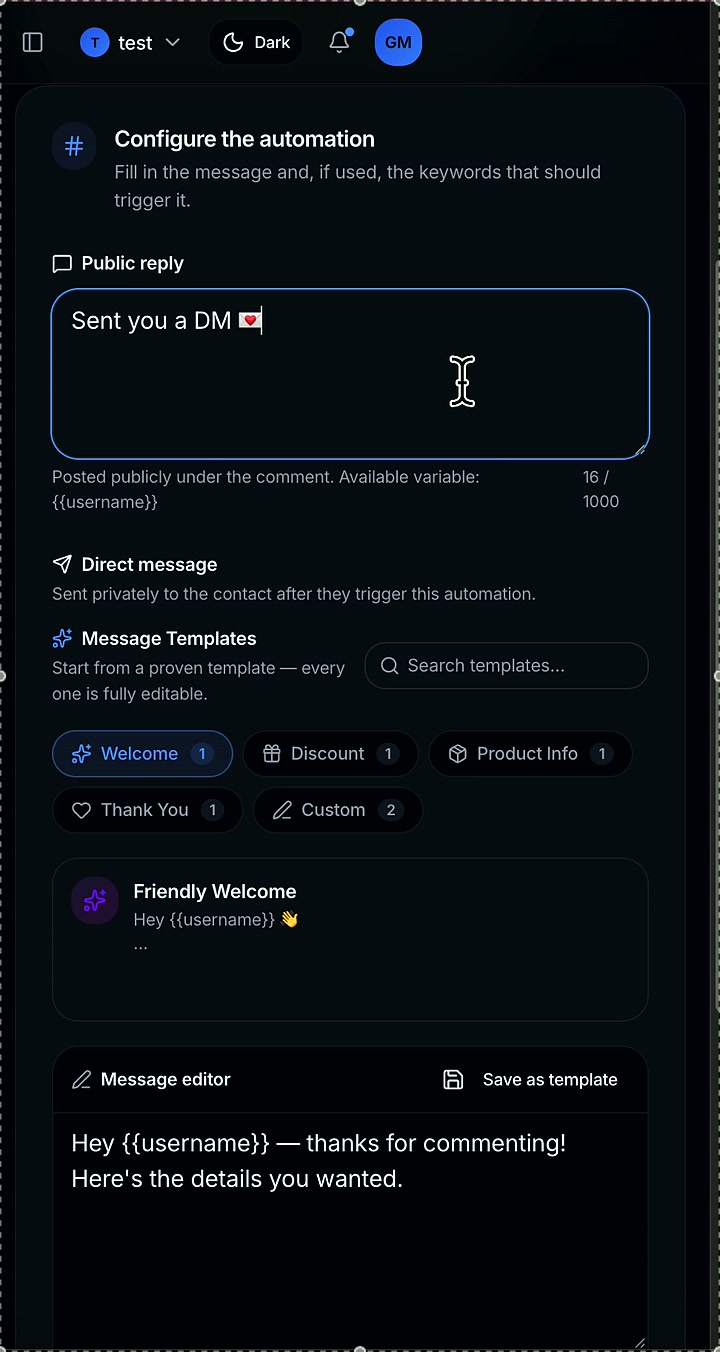
Inside AutoPilotDM
Watch: set up comment to DM on Instagram
02 / INSIDE THE PRODUCT
See the flow before you switch it on.
Watch the actual setup walkthrough, then see the comment-to-DM journey. Review your trigger, reply and next step before activation.
A preview of the builder—not a promise of delivery for every account.
03 / BUILT AROUND YOUR WORK
A useful reply, in your voice.
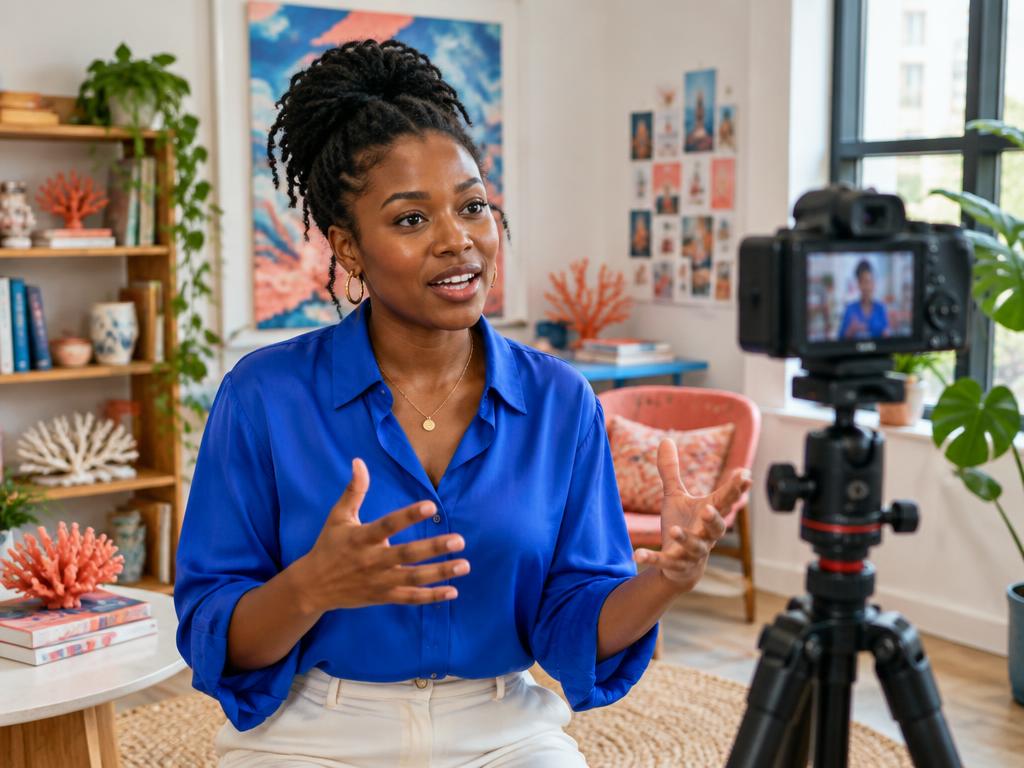
Different businesses, same first question. Start with one workflow and make the next step easy to find.



THE SETUP
Four steps. Your rules.
Choose a template
Start with a comment-to-DM flow built for the conversation you want to have.
Set trigger rules
Choose the post and keyword. Only matching comments enter this flow.
Make the DM yours
Write your reply, personalize it with available variables and add your destination link.
Review & activate
Test the journey, switch it on and pause it whenever you need to.
GOOD TO KNOW
Before you switch it on.
What can trigger an automation?
Connected Instagram accounts can use configured comment, Story reply or DM triggers, subject to Meta permissions and messaging rules.
Do I control the message?
Yes. You write and review the exact reply before activation, and you can pause an automation whenever you want.
Do I need to code anything?
No. Connect Instagram, select the trigger, write the response and test the journey before it goes live.
Is there a permanent free plan?
No. Eligible workspaces can explicitly start a 7-day Ultimate trial without a card. It does not start automatically and does not create an automatic charge or subscription.